
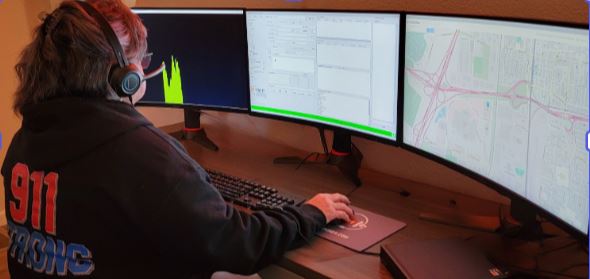
9-1-1 Reality Pro-Comm – On AIR Radio
$25,950
- Realistic, continuous radio communications in the background – Active Shooter and your radio for ‘radio ear’.
- Includes Call Guides, Portfolio, Text to 9-1-1 auto responses for building skills needed at 9-1-1.
- Detailed documentation: audio recordings, call logs, and the Instructor’s real-time observation notes.
- Supports multiple trainee stations for team-based exercises up to ten student stations.
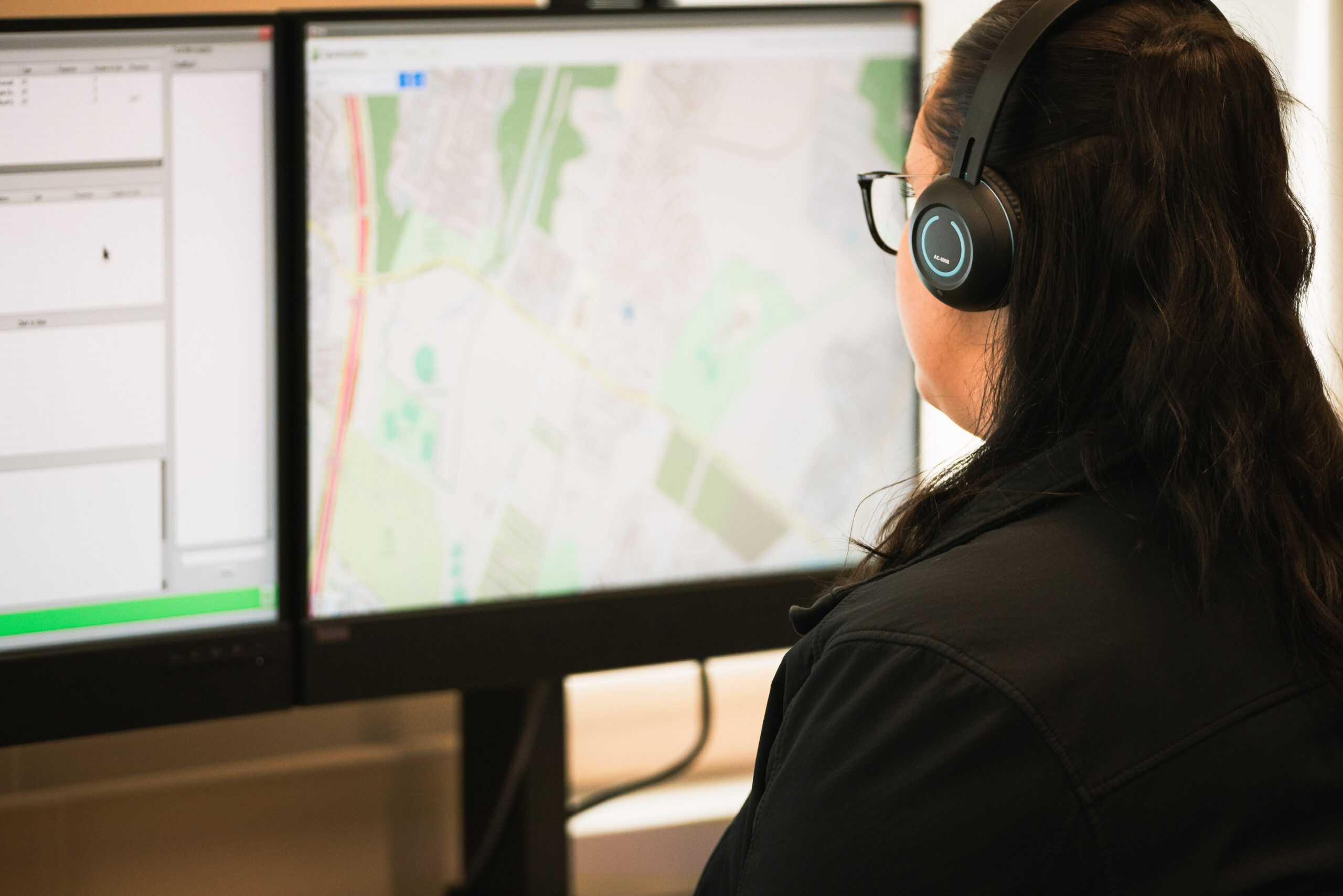
9-1-1 Reality PLUS Text + Mapping
$21,950
- No IT needed – a standalone secure router.
- Full teacher and student training videos or anytime online.
- Training accountability portfolio for lab sessions.
- Your map, call types, and responses prior to shipping.
- State-of-the-art equipment with full year warranty.
- Supports multiple trainee stations for team-based exercises – up to 10 student stations easily added.
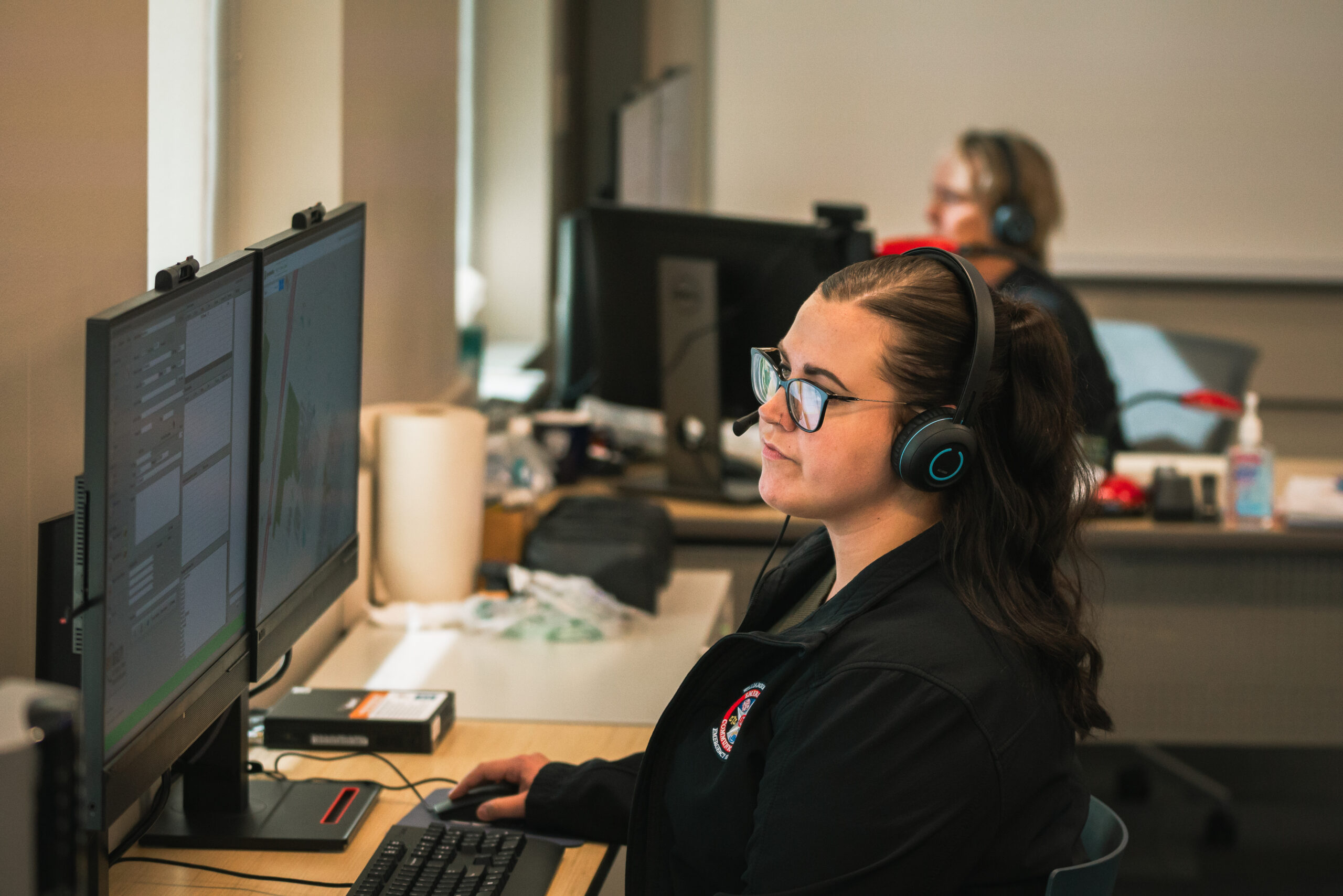
9-1-1 Reality BASIC Simulator - No Internet
$17,895
- Most affordable, no internet for easy setup and transport.
- Include ‘Call Taking Guides’ – leading learners through any police, fire or EMS calls with pre-arrival basics.
- Detailed documentation: audio recordings, call logs, and teacher real time notes evaluating the student.
- Supports multiple trainee stations for team-based exercises – up to 10 student stations easily added.
What is the difference between the three models?
What Can I customize?
Still Have Questions? Let’s Talk!
Curious IT wants to know. Is 9-1-1 Reality an 'appliance? What does that mean?
Yes. What “computer system as an APPLIANCE” means. An appliance is a system that is:
- Pre-configured
- Purpose-built for a specific function
- Not intended to be modified much by the end user
- “Plug-and-play” from the operator’s perspective
A computer that behaves like a tool, not like a customizable workstation.
- The simulator is delivered as a complete, self-contained system
- It runs a specific application (911 simulation) without needing custom setup
- Users (trainers/teachers) don’t manage the underlying OS, configs, etc.
- It’s treated operationally like equipment, not IT infrastructure
|
Type
|
Description
|
|---|---|
|
General computer system
|
Flexible, user-managed (install apps, configure, troubleshoot)
|
|
Appliance
|
Locked-down, purpose-built, minimal user intervention
|
Can we use our own computers and just load the software?
No – short answer. The 9-1-1 Reality Simulator software is customized, configured and thoroughly tested prior to delivery. Imagine the Windows and Network settings needed to allow the complex system of multiple phone lines, multiple radio channels, recording studio, sound effects, text to 9-1-1 and the list goes on. We also use the latest state of the art equipment with the exact requirements we need.
Do you come out and set them up?
No, and Yes. Not required, not needed, but yes we can assist in the installation in the event you have multiple students. Most agencies appreciate the ability for ‘plug and train’ setup on their own timing and personnel. You have very clear setup videos and 100% phone or online support. The router is pre-programmed with security whitelisted only for mapping.
Can the stations work with our CAD program?
Common question. A coalition of 9-1-1 professional trainers and educators designed the CAD card on the simulator. We recognized there are many CAD systems, yet we created an entry common muscle memory using a ‘training CAD’. Using this simplified CAD card does wonders introducing and understanding a more complex CAD system.
Can we use our own headsets for the stations?
Sure. Our headsets are pretty amazing though.
What does the warranty cover?
The warranty is for the equipment; computer, monitors and accessories. The software is warranted for the life of the computer.
Is there a yearly fee for upkeep and do I have to pay for upgrades?
No fees at all, you own this great hard working reliable training tool. We have systems still working for the last fifteen years. If we have a required ‘update’, such as some nasty change in Windows, we can work on your station remote. If we have a significant ‘upgrade’, we will offer this to you for minimal cost. Upgrades are never required.